

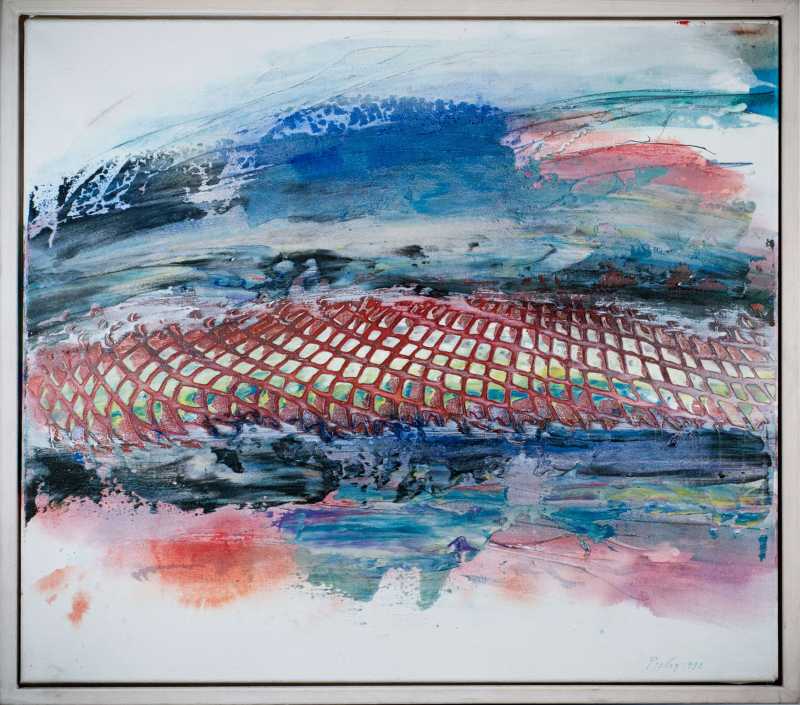
Chaotische Ordnung

Scan with your phone The AR view starts on a phone or tablet. On a computer you see the artwork in 3D.
Guide
You add an artwork once. Anyone who opens the link can see it on their own wall.
Sign in to the client area and choose a plan.
Upload a photo in the configurator, crop it and enter the size. Add a frame and mat if you like.
Save the artwork. You get a link and a QR code to share.
Open the link on a phone or tablet. No app needed.
Tap “Show on my wall” and point the phone at a wall about two metres away.
The artwork appears in original size. Move it to the right spot and take a screenshot.
AR view on iOS 13 or later.
AR view on devices with ARCore 1.9 or later.
3D view in the browser and a QR code for your phone.
Chaotische Ordnung
Scan with your phone The AR view starts on a phone or tablet. On a computer you see the artwork in 3D.
No. The AR view runs in the phone’s browser.
Yes. The artwork appears in the dimensions entered when it was added.
A straight, well-lit photo and the size in centimetres.
It depends on the plan. Prices and number of artworks are listed with the plans.